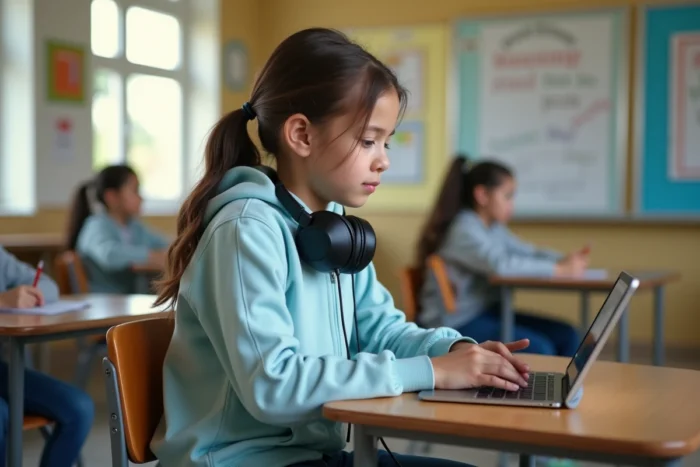
A dyslexic student in CM2 takes three times longer than their classmates to decipher a math statement. Their teacher activates the integrated text-to-speech feature in the class’s digital workspace, allowing the child to finally focus on reasoning rather than decoding. This type of scenario, once marginal a few years ago, is becoming commonplace in French schools thanks to digital tools adapted for dyslexic students.
Text-to-speech and adapted fonts: the first digital steps for dyslexic students
On the ground, the starting point is often the same: a PDF document or a web page that is unreadable for a dyslexic student. Before discussing artificial intelligence, we first address the basics. Text-to-speech and sans-serif fonts form the minimal foundation of an adapted workstation.
Extensions like Glaaster or the tools integrated into Mobidys allow for converting displayed text on the screen into audio flow, word by word, with synchronized highlighting. The student visually follows what they hear, which reduces the cognitive load associated with decoding.
Regarding fonts, feedback varies on this point: some studies mention OpenDyslexic as beneficial, while others do not observe measurable gains. What works more reliably is increasing line spacing and character spacing, two adjustments available in most current PDF readers and school digital workspaces.
We are talking about technical adjustments that take less than five minutes to configure, but which assume that the teacher knows where to find these options. It is precisely on inclusivity on maclasse2026.fr in 2026 that resources detail these features step by step for educational teams.
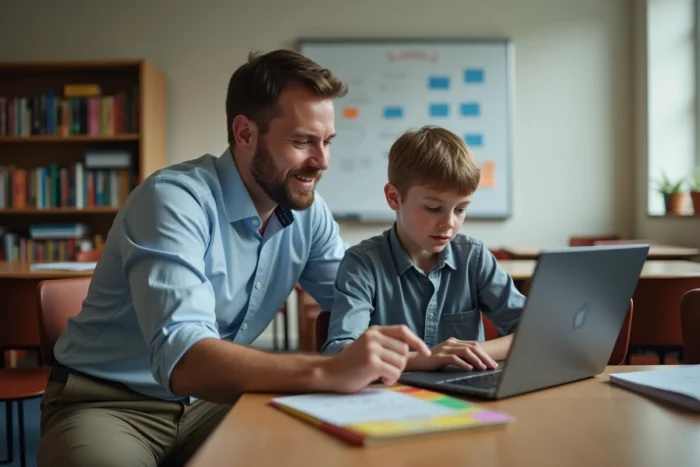
Digital compensation tools for dyslexia: beyond voice dictation
Voice dictation is often the first tool associated with dysorthographia. It has improved, but it only covers a fraction of actual needs. A dysorthographic student also needs a spell checker that understands their specific errors (letter inversions, phonological confusions), not just the classic agreement mistakes.
Solutions like Lexidys or Kardi’s modules offer spell checkers trained on the typical error patterns of dys disorders. The principle: instead of highlighting an incomprehensible word in red, the tool suggests alternatives considering the user’s profile.
Word prediction and automatic reformulation
Word prediction, inherited from smartphone keyboards, adapts to the school context. A student typing the first letters of a word sees contextual suggestions appear. For a dysorthographic student, this reduces the number of spelling decisions to be made per sentence.
Some tools go further with automatic reformulation. The student writes a clumsy sentence, and the software proposes a corrected version while showing the differences. The goal is not to replace learning but to keep the student engaged in the task without the effort of transcription blocking their thinking.
Sovereign hosting and data protection for dyslexic students in 2026
We cannot talk about digital tools for children with disabilities without addressing the issue of data. Since 2026, the national education digitization plan mandates sovereign hosting of student data, the prohibition of commercial profiling, and algorithms audited by an ethics committee including teachers and parents.
This constraint changes the game for dys tool publishers. Solutions that operated in a SaaS mode hosted in the United States must migrate or be replaced. The GAR (Resource Access Manager) filters the digital resources accessible from the digital workspaces, and only those compliant with the regulatory framework are approved.
For families, this means that data related to their child’s dys profile (type of disorder, activated compensation parameters) does not circulate to private entities. For teachers, this implies checking that the recommended tool is indeed listed in the validated catalog.
- The GAR centralizes access to compliant digital resources directly from the school’s digital workspace, without the need for external account creation.
- The personalization algorithms used by dys tools must pass an ethical audit before deployment in schools.
- Compensation data (dys profile, active adaptations) remain stored on servers located in France, without transfer to commercial third parties.

Teacher training on dys disorders: the weak link in inclusive digital education
A compensation tool, no matter how effective, remains useless if the teacher does not know how to activate it, configure it, or integrate it into their teaching sequence. Initial teacher training still addresses dys disorders too little in an operational manner.
The 2026 back-to-school circular mentions the consolidation of ongoing reforms, particularly regarding initial training. The SE-Unsa has pointed out the minimal references to inclusive education in this text: a single sentence dedicated to the schooling of students with special educational needs.
Concrete pathways for skill development
Several initiatives exist, but they largely depend on the individual teacher’s initiative:
- The webinars offered by Class’Code regularly address educational technology, including compensation tools for dys students.
- The Canopé network provides online training courses on adapting educational materials.
- Associations like APEDA share practical tutorials for configuring reading and dictation tools on classroom devices.
- Some academies organize specific support cycles, such as the one in the Nice academy for students with disabilities.
The problem is not the lack of resources. It is their dispersion, and the fact that training on dys tools still relies on voluntary participation rather than being an obligatory part of the continuing education plan.
Inclusive education in 2026 has a real digital arsenal to support dys students: text-to-speech, specialized spell checkers, contextual prediction, data protection framework. The main barrier remains human. As long as mastery of these adaptive digital tools depends on the individual curiosity of each teacher rather than a common foundation of skills, the gap between equipped classes and others will continue to widen.